


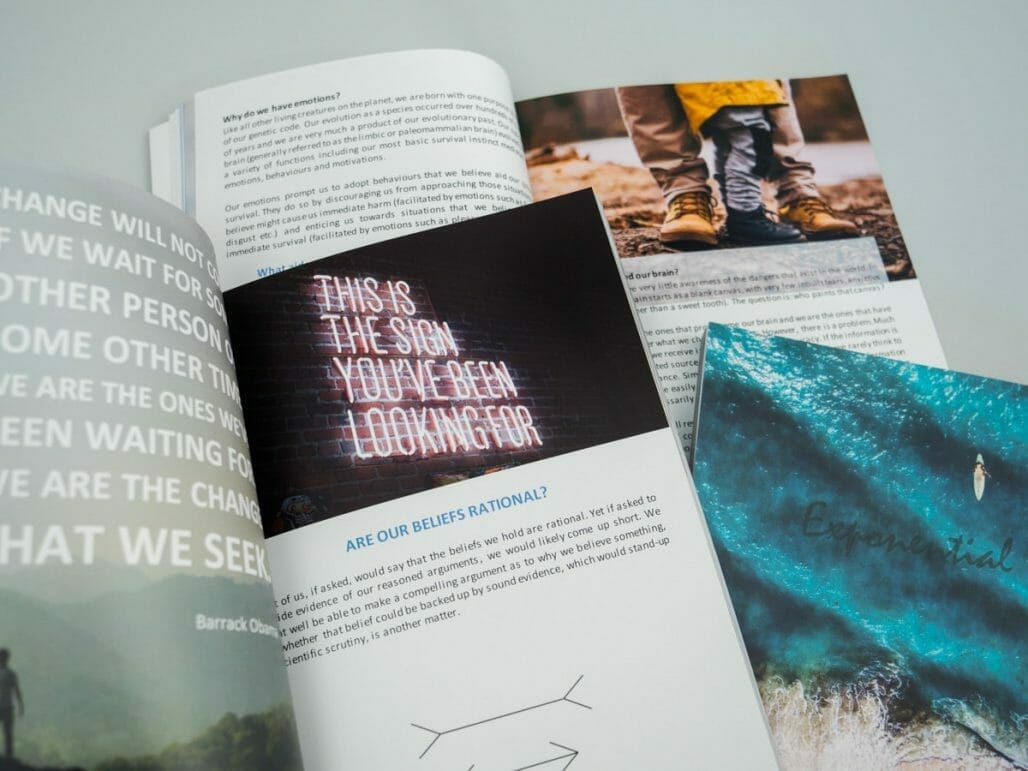
Wondering how to print & self publish your own book?
Printing and publishing your own book is an achievement to be proud of.
Well done for getting to this stage!
To help you on your way, we’ve put together a guide to book printing.
From book style & size to page count, pagination & more – we’ve got you covered.

Book Style
First things first, book style.
You’ve got a choice of paperback, hardback or booklet – each has their own merits.
Paperback Books
Paperback books are a lightweight option, making them a popular choice for novels, storybooks, memoirs, diaries, photobooks, children’s books, travel guides and training handbooks.

Hardback Books
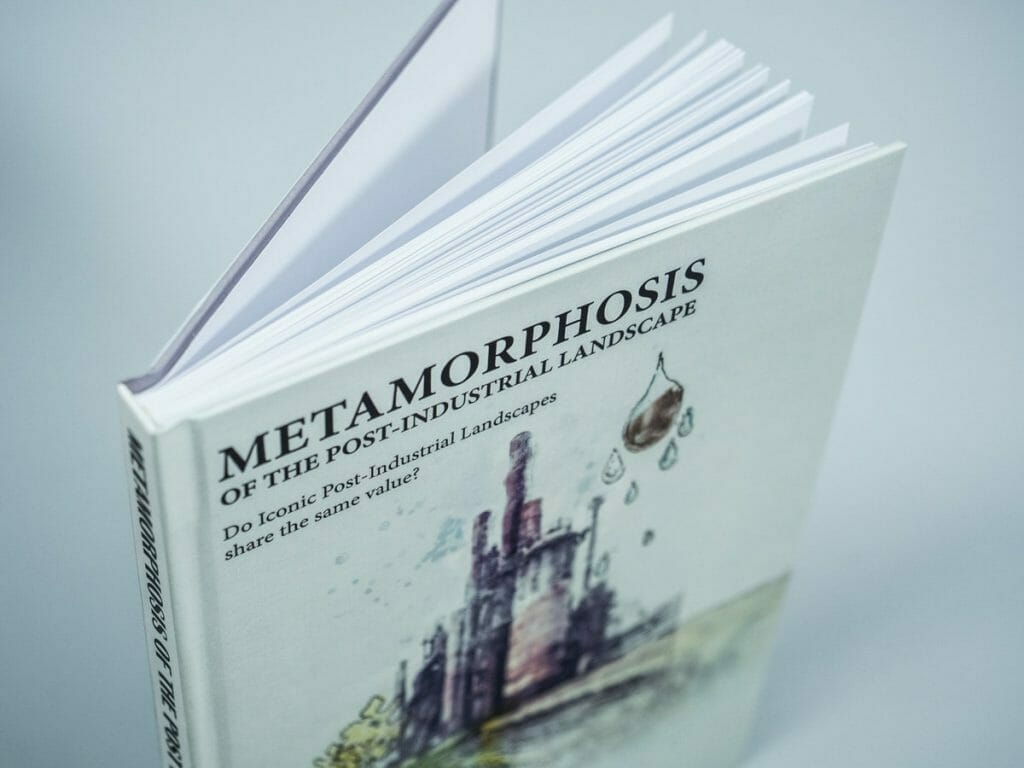
Hardback books are a heavier and more durable option, making them a popular choice for large novels, non-fiction, reference books, coffee table books, dissertations, photobooks and rulebooks.

Booklets
For shorter books (under 84 pages), saddle-stitched booklet is an option. It’s super lightweight and cheaper than paperback and hardback printing.
Booklet printing is perfect for children’s books, zines, poetry, lookbooks, comic books and colouring books.

Book Size
When it comes to book size, you need to consider the genre of book you’re publishing, as well as the reader.
What makes sense for a reference book, won’t be a conventional choice for a children’s book or memoir, for example.
If you haven’t already, we recommend browsing your local bookshop or library. What trends do you notice within the genre? Which sizes are most popular?

You should also consider how the book will be read and what’s practical – on the move (e.g. a novel likely to be read on a commute or holiday) vs. a coffee table book or a desk-based reference book etc.

We offer a broad choice of 8 book sizes. A4 is the largest and Small Novel is the smallest.
Book Printing Sizes
A4 210 x 297 mm
A5 148 x 210 mm
Half Letter 140 x 216 mm
Letter 215.9 x 279.4 mm
Royal 156 x 234 mm (paperback & hardback only)
Demy 138 x 216 mm (paperback & hardback only)
Small Novel 127 x 178 mm (paperback only)
Trade 152 x 229 mm (paperback only)
DL 99 x 210 mm (booklet only)
148mm Square 148 x 148 mm (booklet only)
210mm Square 210 x 210 mm (booklet only)
Page Count
How many pages do you have? Do some research and identify the most common page count range in the genre.
If your page count is drastically below or above this range, it may be off-putting to potential readers.

We impose a minimum and maximum page count for books. A couple of examples are shown below. Click here to view the page limits for all book specs.
Paperback book
Spec: matt 90gsm, black & white, double sided
Minimum pages: 53
Maximum pages: 520
Hardback book
Spec: matt 100gsm, colour, double sided
Minimum pages: 95
Maximum pages: 566
Booklet
Spec: double sided (single sided is not available)
Minimum pages: 8
Maximum pages: 84
Pagination
It’s vital to consider the pagination of your book in print, giving consideration to the page sequence and chapter breaks.
It is traditional for new chapters to start on right-hand facing pages, so be mindful of this and insert blank pages where required.
If you have specific spreads that need to match up (e.g. half an image on the left page and half an image on the right page), ensure they fall correctly as a spread.

By default, the first page of your paperback or hardback book falls on the right hand side, meaning the first full spread will be page 2 (on the left) and page 3 (on the right).
Cover & Spine

So you’ve done the difficult part – creating the book! But what about the cover?
If you’re creating it yourself, which software are you using? Do you know which dimensions to use? For paperback and hardback books, have you considered the spine with?
If you’re commissioning a third party, be sure to write a detailed brief and pass on the relevant print info e.g. required resolution & dimensions etc.
Your cover needs to reflect the contents and instantly tell the potential reader what type of reading experience to expect. It should also be high quality (300d pi minimum for images), readable at a glance and easy to understand.
Creating an inspiration/mood board will be a helpful starting point. As the saying goes, “never judge a book by its cover”. But we all do, so it’s important to get it right.
It’s also important to consider the cover finish – will it be colour printed or black and white?
Which type of lamination would look best – matt, gloss or soft touch?
Useful links for book cover inspiration:
CreativeBloq – how to design the perfect book cover
Canva – how to design book covers
Canva – 50 awesome book covers
CreativeIndieCovers – 179 beautiful, interesting or creative book cover designs
ISBN
If you’re aiming to sell your book through typical retail and distribution channels or get it into a library, you need an ISBN (International Standard Book Number).
This provides you with a 13 digit number and a corresponding barcode to place on your back cover.
If your book has an ISBN, please ensure the barcode is included in your cover artwork.

How to get an ISBN
Some online services offer free ISBNs (a simple Google search for ‘free ISBN for self publishers’ will point you in the right direction), however it’s possible to buy one directly via Nielsen.
Click here for more information.
At the time of writing, a single ISBN costs £89.
Your Selling Price
If you’re going to sell your book, it’s important to consider the retail price.
Factors to inform your sale price include:
- What is the break even point for each copy? If relevant, you may also need to factor in other overheads, including the cost of cover design, ISBN fee etc.
- What is a typical RRP for books in this genre?
- Who will be buying the book?
- Where will you be selling the book?
- Will it be available to a local/regional/national/international audience?
- If sales are for charity, how much of a contribution do you wish to make per copy?
Colour vs. Black & White
If your book is image or photo heavy, colour printing is the best option. In contrast, if your book is largely text (e.g. a novel), black and white is the sensible choice.
Black and white printing is significantly cheaper than colour printing, so if budgets are more limited it is best to stick with black and white.

Here at Doxzoo, the option of a colour printed cover is included in the cost for all paperback and hardback books. Even if the inner pages are black and white – so you can make an impact with the cover at no extra cost.

Proof Of Concept
Before committing to printing a large run, we always encourage our customers to order a single copy (or short run) to act as your draft/proof of concept/sample.
If you’re not sure of size or spec, order a few different copies (e.g. one size with a matt cover, another size with a soft touch cover etc.) and compare. You could even run a focus group with friends, family, or your target market.
This will help you to obtain valuable feedback before you finalise the spec and place your larger order. We have no minimum order quantity – allowing you to order just a single copy if required.
Good luck!
We wish you the best of luck with your book printing journey.
If you have a question about printing your book with Doxzoo, check out our Help Center or contact us via Live Chat.
We look forward to printing for you soon 🙂
Looking for a reliable printing company?
Get an instant quote