


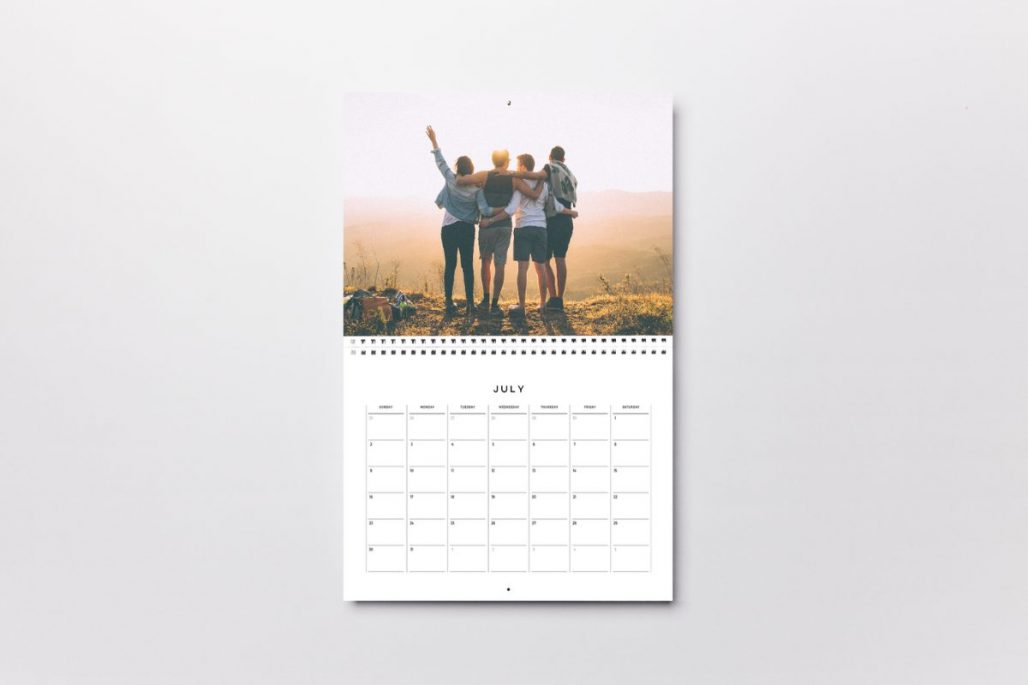

It’s nearing the end of the year, so now is a great time to start planning and printing your personalised calendars for 2027!
With Doxzoo, it’s never been easier to print your photography, promote your business, create a thoughtful gift, or simply bring your own designs to life.
Are you tired of the generic calendars you get at Christmas, with none of your personal important dates, it starts on a Sunday and you want it to start on a Monday, and it’s maybe not in the language you prefer?
With Doxzoo’s calendar printing service, you can create a calendar that is completely your own! From the images and language you use to the paper, wire colour and hanging-hole position. It’s a great personalised gift for a friend, as well as a professional way to show your brand.
Design Your Calendar Your Way
One of the benefits of creating your own calendar artwork is that you’re not restricted to a set template.
If you design the calendar yourself, you can choose whether your week starts on a Sunday or Monday, or even a Wednesday, depending on what you prefer. You can also create your calendar in any language you like, rather than being limited to calendars that only feature English dates or months.
And your creativity doesn’t have to stop at the photographs. You can design the entire calendar, including the monthly pages, dates, headings, quotes or any important dates you want to include.
We have generic, plain templates on our help articles, however you can use a software such as Canva or Adobe to fully create your own.
Preparing Your Calendar Artwork
Before uploading your artwork, make sure your PDF is set up to the correct finished size and includes the appropriate bleed (3mm on each edge) and margins (5mm on the outer edges, 15mm on the binding edge).
To create your own calendar ready to print, design your artwork as a print-ready PDF based on your chosen print size. We do not have a calendar template available.
For single-sided calendar printing:
- Page 1: front cover
- Pages 2 to 13: 1 month per page
- Page 14: back cover
For double-sided calendar printing:
- Page 1: front cover
- Pages 2 to 25: 2 pages per month
- Page 26: back cover
When preparing your artwork, remember that the pages will be printed and bound together, so it’s important to consider how your design will look when the calendar is hanging.
Hanging Hole Placement
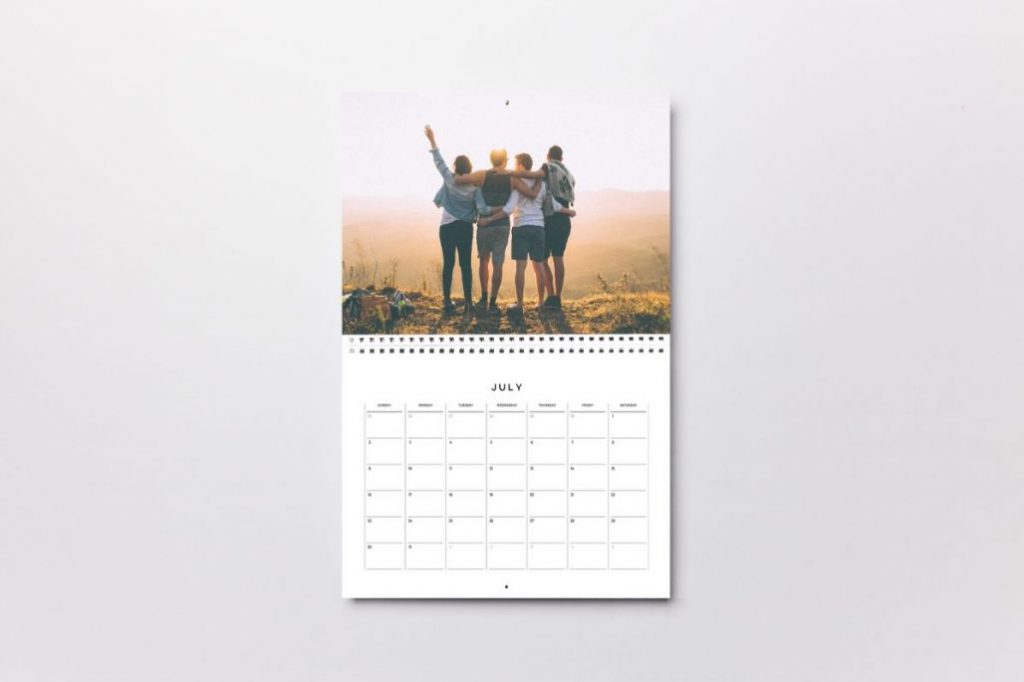
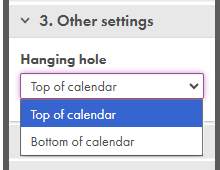
You can choose where you’d like the hanging hole to be positioned: at the top or bottom of the page.
This gives you additional flexibility when designing your calendar. Make sure you leave enough space around the hanging-hole area so that important text, dates or parts of your images aren’t too close to the binding or punched area.
Please fully utilise out online previewer to double check which will be best:
Choosing Your Paper
You can choose from three paper weights, from 160gsm (for coloured paper) to 300 gsm, and select from different finishes including:
- Matt
- Silk
- Gloss
There are also seven paper colours available, giving you even more ways to customise the finished product.
If you want to give your calendar cover some extra protection and a more premium finish, you can also choose to have your covers on 300gsm card, as well as lamination.
Note: for the best result, we recommend black and white printing on coloured paper. If colour printing is selected, the colours may not appear as they would on white paper.
When selecting to print onto colour card/paper the previewer will show your design on a white background. Please bear this in mind when choosing your specification.
We do not print with white ink, so any white text on a coloured sheet will not be printed. You will need to upload artwork with a coloured background and select white paper instead.
Pick Your Wire Colour
The colour of the wire binding is another small detail that can make a big difference to the overall appearance of your calendar.
You can choose from six different wire colours, which allows you to coordinate the binding with your artwork or choose a contrasting colour to make it stand out.
- Black
- White
- Silver
- Red
- Blue
- Green
Preview Your Calendar Before Ordering
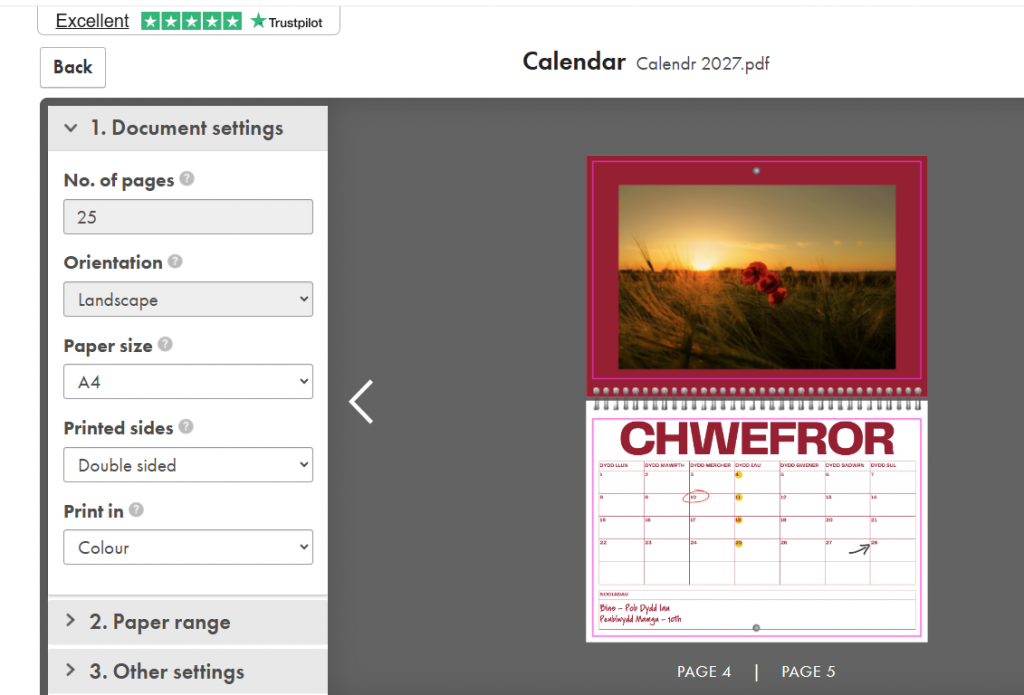
Once your artwork is ready, upload your PDF to our online calendar printing platform. You’ll be able to use the online previewer to check how your personalised calendar will look before placing your order.
We recommend taking the time to carefully check every page, including:
- Dates and days of the week
- Spelling and translations
- Page order
- Images and graphics
- Margins and bleed
- The position of important text
- The front and back covers
- The overall appearance of the calendar
A thorough check before ordering is the best way to make sure your finished calendar matches your design.
Need a Small Quantity?
You don’t need to order hundreds of calendars to make your own design worthwhile. Our calendar printing service is suitable for low quantities, making it a practical option for personalised gifts, small businesses, photographers, events and promotional projects.
For low-quantity orders delivered to UK addresses, calendars ordered before 1pm may be eligible for same-day production and next-day delivery, subject to the product and delivery options selected at checkout.
Ready to Create Your Calendar?
Creating your own calendar gives you complete control over the final design. Choose your starting day, language, photographs, artwork, paper, wire colour and even the position of the hanging hole to create something that’s genuinely personalised.
Once your print-ready PDF is prepared, simply upload it, check the online preview carefully and place your order.
Create your personalised calendar with Doxzoo.
Looking for a reliable printing company?
Get an instant quote